How Smart Equipment Tracking Software Helps Superintendents Stop Theft, Reduce Missing Tools, and Boost Jobsite Productivity in Real Time
Table of Contents:
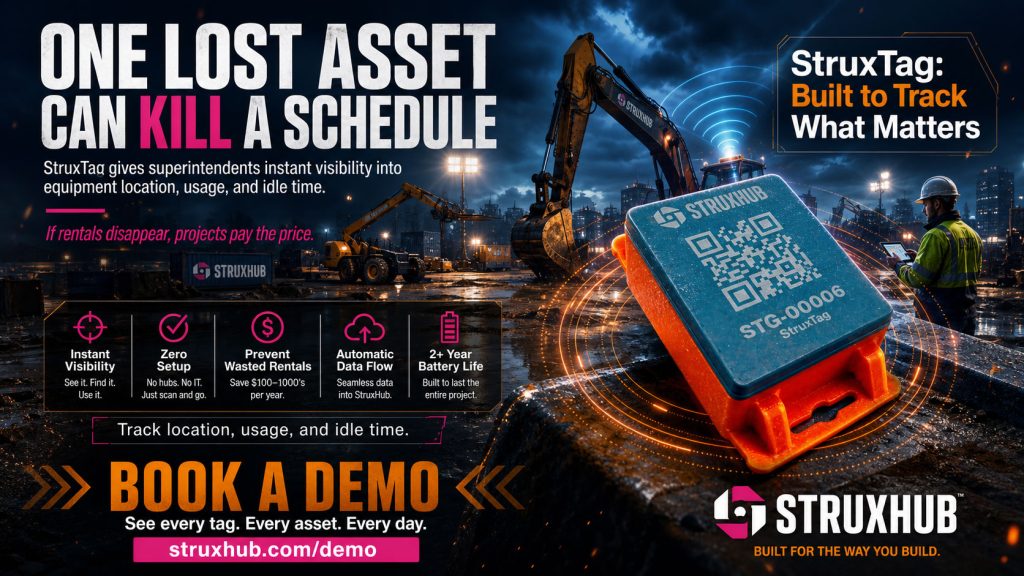
Jobsite equipment loss is one of the most expensive and frustrating challenges superintendents face. Whether it is tools misplaced between crews, machines left in unsecured areas, or outright theft, missing equipment is a daily threat to both productivity and budget. Industry data shows that construction sites lose millions of dollars in tools and equipment each year, and most incidents are discovered too late to recover what was taken.
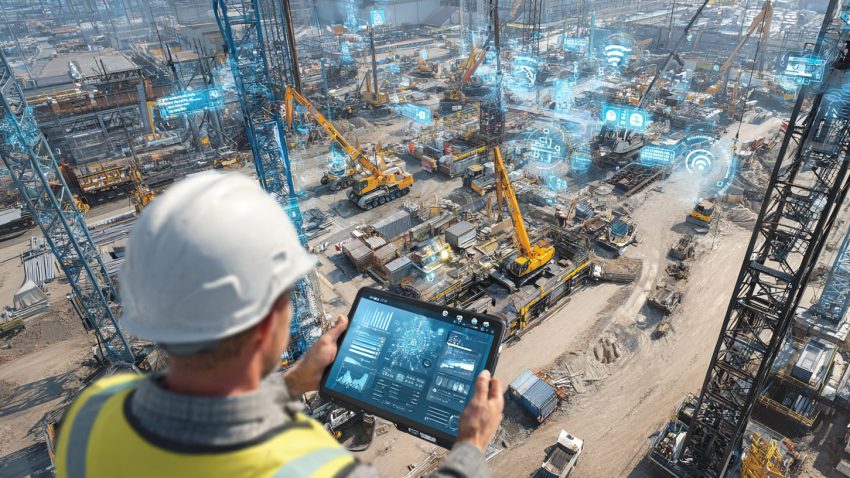
Smart equipment tracking software is changing that reality. With real-time visibility, automated alerts, and mobile scanning, these systems give superintendents complete control over every asset on-site. Instead of searching for missing tools or reacting to theft after it occurs, teams can track equipment in real time and receive instant notifications the moment something moves unexpectedly. This keeps projects on schedule, eliminates unnecessary tool purchases, and creates a safer, more accountable jobsite for everyone involved.
In this guide, we explore how modern tracking solutions prevent theft, reduce missing tools, and increase jobsite productivity through data-driven oversight and real-time collaboration.
Real-Time Tracking Helps Prevent Theft and Improves Jobsite Security
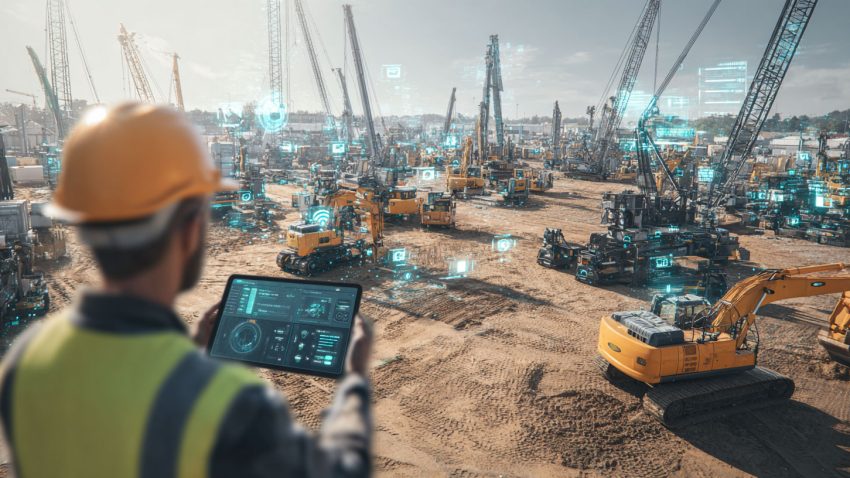
Theft often happens when equipment is left unattended, moved after hours, or transported between crews without documentation. Traditional tracking methods rely on manual reporting, which is too slow to prevent incidents. Smart equipment tracking software changes this by providing real-time location data for every tagged asset.
Using GPS, Bluetooth beacons, or geofencing technology, the system instantly updates when equipment is moved. If something leaves a designated work zone or exits the site after hours, the superintendent receives an immediate alert. This proactive awareness helps teams respond quickly, discourage theft, and recover misplaced or stolen items before they disappear permanently.
In addition to security alerts, real-time tracking improves transparency. Crews know equipment is monitored, which reduces the likelihood of accidental loss, unauthorized borrowing, or miscommunication about who used what.
Top Benefits
- Detects unauthorized equipment movement instantly
- Reduces theft with geofencing alerts and location history
- Improves accountability by tracking who last used or moved each asset
Best Practices
- Set geofenced boundaries around high-value equipment zones
- Tag all tools that frequently move between crews or work areas
- Activate nighttime or after-hours alerts for sensitive items
Q&A Mini Section
Q: How quickly does the system alert superintendents of suspicious movement?
A: Alerts are sent instantly as soon as equipment leaves a defined zone or is moved after hours.
Q: Are location updates accurate in large or multi-level projects?
A: Yes. Modern tracking tools use GPS, Bluetooth, and mesh networks for precise indoor and outdoor visibility.
Q: Do crews need special devices to use the system?
A: No. Updates sync automatically across mobile devices and scanners already in use on most jobsites.
Real-time tracking puts superintendents in control of jobsite security, preventing theft and recovering lost assets before they impact progress.
Tool Tracking Reduces Lost Equipment and Improves Accountability
Missing tools are more common than outright theft, but the impact is just as disruptive. When a crew cannot find a drill, generator, saw, or laser level, productivity slows and frustration rises. Too often, these tools are left behind, borrowed without documentation, or mistakenly taken to another work zone.
Smart tracking software eliminates these problems by making every tool traceable. Barcodes, QR codes, or Bluetooth tags allow crews to scan tools during check-in and check-out. This creates a complete history of who last used the item, where it was scanned, and when it was returned. Superintendents no longer rely on memory or hearsay to track equipment. Everything is recorded digitally and updated in real time.
This level of accountability dramatically reduces missing tools. Crews work more responsibly when they know items are monitored, and foremen can verify that all tools are returned before moving to the next activity.
Top Benefits
- Minimizes productivity loss caused by missing or misplaced tools
- Creates a digital audit trail for every check-in and check-out
- Encourages responsible tool handling across all crews
Best Practices
- Require all crews to scan tools at pickup and drop-off
- Assign QR or Bluetooth tags to commonly lost items
- Review scan logs at the end of each shift for accuracy
Q&A Mini Section
Q: Can small tools be tracked effectively?
A: Yes. Bluetooth tags and QR codes make even small hand tools easy to monitor.
Q: Does tool tracking slow down field operations?
A: Not at all. Scanning takes seconds and prevents much larger delays later.
Q: How long is scan data stored?
A: Most platforms keep full histories for compliance, audits, and internal reporting.
Tool tracking strengthens accountability and ensures crews always have the resources they need to work efficiently.
Usage Analytics Boost Productivity and Prevent Workflow Bottlenecks
Equipment tracking isn’t just about preventing loss. It plays a major role in improving productivity by revealing how assets are used on a daily basis. When superintendents understand how equipment moves between crews, how long it sits idle, and which tasks require additional resources, they can plan more effectively.
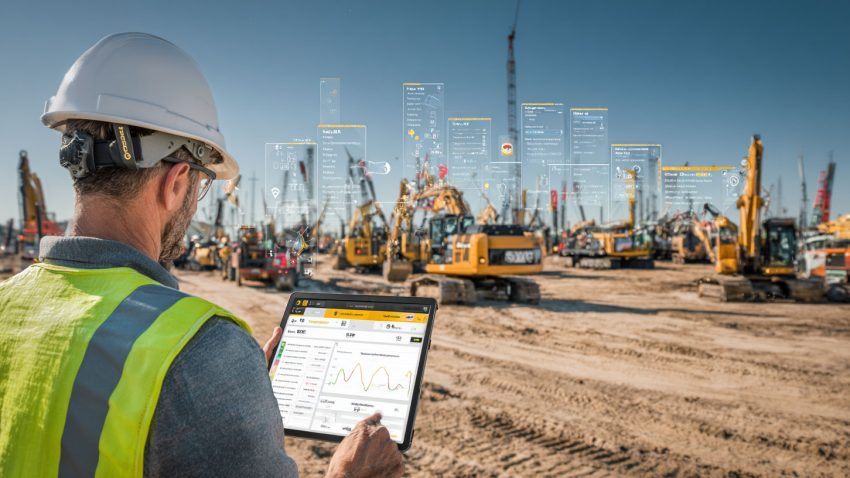
Smart tracking software collects usage data automatically as tools and machines are scanned, moved, or operated. Dashboards show utilization trends, idle times, peak activity periods, and performance issues. This helps superintendents identify bottlenecks early, such as machinery sitting unused or specific crews consistently waiting for equipment.
These insights help teams allocate resources more strategically, improve scheduling accuracy, and eliminate common delays caused by equipment shortages or miscommunication.
Top Benefits
- Identifies underused or overused equipment instantly
- Helps superintendents assign resources more efficiently
- Reduces rental costs through smarter utilization
Best Practices
- Review usage trends weekly to identify workflow inefficiencies
- Reassign idle tools or machinery to busier crews
- Use performance data to plan upcoming phases more accurately
Q&A Mini Section
Q: How do analytics help with project scheduling?
A: They show which equipment is in highest demand, helping superintendents plan ahead.
Q: Can analytics reduce rental or purchase costs?
A: Yes. They highlight when equipment is underused, preventing unnecessary expenses.
Q: Are analytics helpful on small projects too?
A: Absolutely. Even small crews benefit from clear insights into equipment needs.
Usage analytics turn equipment tracking into a productivity engine, helping superintendents eliminate delays and optimize daily operations.

Automation Eliminates Manual Tracking and Speeds Up Daily Operations
Manual equipment tracking slows projects down. Superintendents and foremen often spend valuable time writing notes, updating spreadsheets, or asking crews where tools were last seen. Smart equipment tracking software uses automation to eliminate these repetitive tasks completely. Once a tool or machine is scanned, moved, or inspected, the system updates itself without requiring any manual input.
Automation also handles time-sensitive workflows that traditionally required follow-up. When a piece of equipment is overdue for service, the system sends notifications automatically. When a tool is not returned to the designated storage area by the end of a shift, an alert goes out to the foreman. Automated activity logs provide precise, timestamped history of who used each asset, making accountability natural and effortless.
With fewer manual processes slowing operations, superintendents can focus on coordinating crews, planning work, and handling higher-level decision making instead of tracking down missing equipment.
Top Benefits
- Eliminates repetitive administrative tasks
- Ensures equipment status is always accurate and up to date
- Reduces delays caused by manual check-ins and communication gaps
Best Practices
- Automate check-in and check-out workflows for every crew
- Schedule automated maintenance reminders for high-use equipment
- Use digital logs to verify tool returns before crews move to new areas
Q&A Mini Section
Q: How does automation improve daily jobsite rhythm?
A: It keeps equipment data current without slowing crews down, creating smoother, faster transitions between tasks.
Q: Does automation work across multiple job sites?
A: Yes. Updates sync instantly for all locations connected to the platform.
Q: Can automation help with internal audits?
A: Definitely. It creates a complete digital history without manual paperwork.
Automation clears the clutter and busywork from equipment tracking, allowing teams to operate with speed and clarity.
Related Articles:
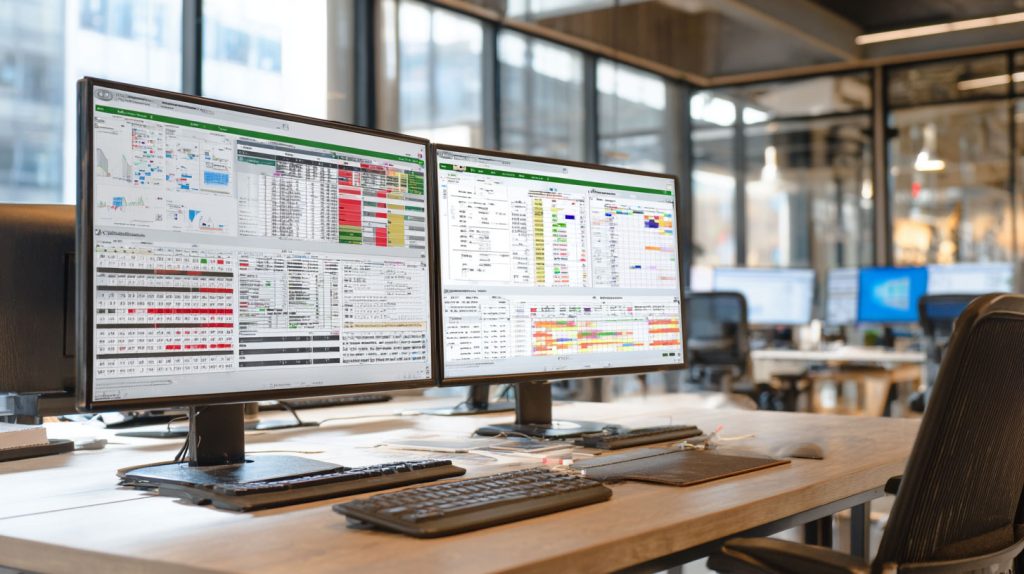
StruxHub
Experience the power of StruxHub today and witness firsthand how it can revolutionize your construction operations.
Communication Tools Connect the Field, Office, and Suppliers in Real Time
Equipment tracking is only effective if the right people get updates at the right time. Modern inventory tracking software includes built-in communication tools that centralize all equipment-related messages, photos, and logs in one shared system. This replaces scattered text messages, emails, and handwritten notes that often cause delays or confusion.
Field teams can document equipment damage, upload pictures, or request replacements directly from their mobile devices. Superintendents and mechanics receive notifications instantly. Suppliers or rental partners can also be granted controlled access to update delivery status or confirm pickups, reducing back-and-forth phone calls.
Centralized communication keeps everyone aligned and ensures no update gets lost. It also creates a transparent digital trail that helps with insurance claims, safety audits, or internal reviews.
Top Benefits
- Keeps all equipment updates in one organized system
- Reduces delays caused by missing or outdated communication
- Creates a clear, timestamped record for audits and safety documentation
Best Practices
- Require crews to upload photos when reporting damage or issues
- Use tagging to notify foremen, mechanics, or suppliers instantly
- Review communication logs during weekly coordination meetings
Q&A Mini Section
Q: How does centralized communication improve productivity?
A: It ensures everyone receives timely updates, preventing miscommunication and wasted time.
Q: Can suppliers update equipment status directly?
A: Yes. Many platforms support vendor access with limited permissions.
Q: Is the communication system secure?
A: All updates are logged inside a controlled, access-managed environment.
Real-time communication tools keep equipment movement transparent and predictable, which strengthens productivity and accountability across the entire project.
AI Forecasting Helps Superintendents Anticipate Equipment Needs and Prevent Shortages
Artificial intelligence is becoming a powerful planning tool for construction teams. Instead of reacting when equipment goes missing, breaks down, or becomes overbooked, AI forecasting helps superintendents anticipate problems before they affect productivity.
AI analyzes patterns from past projects, current usage trends, equipment performance metrics, and crew demands. It can predict when tools are likely to run out, when specific machines will need maintenance, or when certain project phases will require additional equipment. These predictions give superintendents the insight needed to plan proactively rather than scrambling at the last minute.
AI forecasting also helps reduce rental costs by identifying underused assets or suggesting when to rotate equipment between sites. It keeps schedules stable and prevents the resource conflicts that can slow down production.
Top Benefits
- Predicts equipment shortages before they impact schedules
- Helps prevent downtime with early maintenance insights
- Improves resource planning for upcoming project phases
Best Practices
- Review AI-generated insights during weekly planning meetings
- Compare AI predictions with actual usage to fine-tune results
- Use forecasting to coordinate inter-site equipment sharing
Q&A Mini Section
Q: How does AI forecasting help with budgeting?
A: It prevents unnecessary rentals and identifies when equipment can be reused or shared.
Q: Can AI adjust when project conditions change?
A: Yes. Predictions update continuously as new data comes in.
Q: Is AI helpful for small or medium projects?
A: Absolutely. Forecasting benefits projects of any size by improving planning accuracy.
AI forecasting transforms equipment management into a forward-looking strategy that protects schedules and boosts jobsite performance.
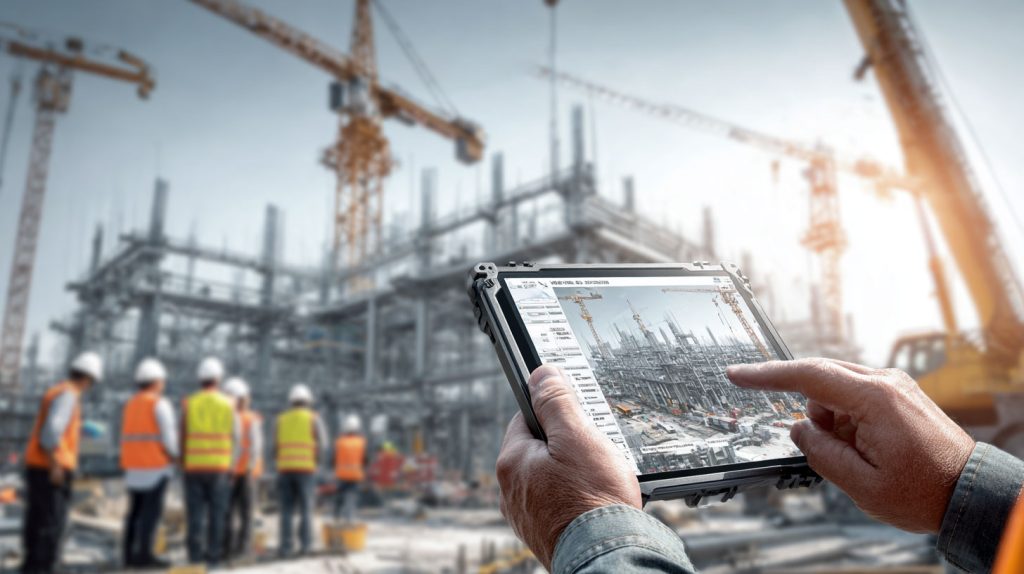
StruxHub: Revolutionizing Project Management in Large Commercial Construction
How StruxHub Helps Superintendents Stop Theft, Reduce Missing Tools, and Increase Productivity
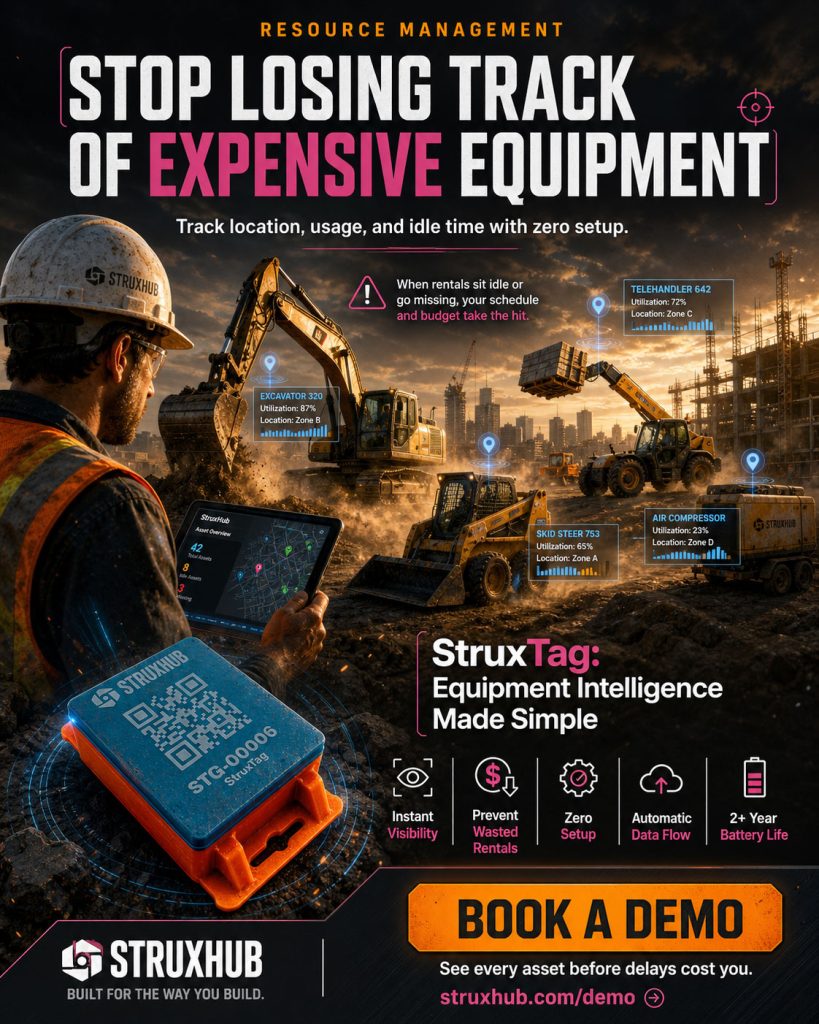
StruxHub brings all these tracking advancements into one easy-to-use platform built for construction teams. With real-time visibility, automated alerts, AI forecasting, and integrated communication, StruxHub gives superintendents total control over their assets.
Field teams scan tools and equipment from their phones, updating location and usage instantly. Geofencing and movement alerts help prevent theft and identify unauthorized activity the moment it happens. AI insights highlight underused assets or maintenance needs before they slow down work. Communication tools keep foremen, mechanics, and suppliers aligned at all times.
StruxHub also integrates equipment data directly into schedules, daily reports, and procurement workflows. This creates a unified jobsite ecosystem where every piece of equipment is tracked, accounted for, and ready when crews need it.
Top Benefits
- Real-time tracking helps prevent theft and reduce missing tools
- Automation and AI insights improve productivity and resource planning
- Unified communication keeps equipment workflows clear and organized
Best Practices
- Enable geofencing alerts for high-value equipment
- Use mobile scanning to log all tool check-ins and check-outs
- Review StruxHub’s dashboards weekly to monitor performance and identify trends
Q&A Mini Section
Q: How does StruxHub reduce equipment loss?
A: By providing real-time movement alerts and full visibility across all assets.
Q: Can StruxHub support multiple sites?
A: Yes. The platform scales easily for multi-site operations with large fleets.
Q: Why is StruxHub ideal for superintendents?
A: It centralizes tracking, automation, communication, and planning into one powerful system.
StruxHub gives construction leaders the tools they need to stay ahead of theft, reduce missing tools, and maintain strong productivity in every phase of a project.
FAQ: Equipment Tracking Software for Theft Prevention, Tool Management, and Jobsite Productivity
1. How does smart equipment tracking software help prevent theft on construction sites?
Smart equipment tracking software uses real-time location monitoring, geofencing, and automated movement alerts to notify superintendents whenever equipment leaves a designated area or is moved after hours. This immediate awareness allows teams to respond quickly, verify who moved the asset, and take action before the item disappears. Since every movement is digitally recorded with timestamps and user activity, theft becomes harder to execute unnoticed. These tools also deter internal misuse because crews know equipment is monitored. Faster alerts, better visibility, and clearer accountability all work together to reduce both intentional theft and accidental loss.
2. Can equipment tracking software really reduce missing tools across multiple crews?
Yes. Most missing tools are not stolen but simply misplaced between activities, borrowed without documentation, or left behind during fast-paced work transitions. Tracking software solves this by requiring simple scans or check-ins whenever tools change hands. Each tool has a digital profile showing who used it last, where it was scanned, and when it was returned. This eliminates guesswork and significantly improves accountability. When foremen verify returns at the end of each shift, tool loss drops dramatically and crews always begin the next day with the equipment they need.
3. How does equipment tracking software improve jobsite productivity for superintendents?
Productivity improves when crews spend less time searching for equipment and more time working. Real-time dashboards show exactly where tools and machinery are located, reducing delays caused by missing items or equipment sitting idle. Usage analytics help identify bottlenecks and guide better resource allocation across the jobsite. Automated maintenance alerts prevent unplanned breakdowns, while AI forecasting predicts equipment needs for upcoming project phases. Together, these features eliminate disruptions, reduce downtime, and help superintendents coordinate work far more efficiently.
4. What role does mobile technology play in equipment tracking?
Mobile tools allow field teams to scan equipment, upload photos, report damage, and update status directly from their phones. This eliminates the lag associated with paper logs or end-of-day reporting. Because updates sync instantly, all teams see changes the moment they occur. Mobile tracking also makes it easy to confirm tool returns, record inspections, and communicate issues. This real-time connection between field and office ensures data accuracy and supports faster decision-making across the entire jobsite.
5. How does StruxHub help teams stop theft, reduce missing equipment, and improve daily productivity?
StruxHub centralizes equipment tracking, maintenance reminders, communication tools, and AI insights into one platform. Real-time location tracking helps superintendents see where every tool and machine is at all times. Geofencing alerts notify teams when equipment is moved unexpectedly, helping prevent theft and unauthorized use. Mobile scanning ensures accountability during check-ins and check-outs, reducing missing tools. AI forecasting predicts upcoming equipment needs and maintenance tasks, keeping schedules predictable. With all equipment data integrated into daily reports and schedules, StruxHub creates a unified jobsite workflow that keeps teams productive, safe, and fully coordinated.
Every high-performance project relies on a foundation of clear data and professional integrity. When you adopt a top construction equipment tracking system, you are essentially committing to the best practices championed by the industry’s leading regulatory and research organizations:
• Associated General Contractors (AGC)
• Construction Industry Institute (CII)
• OSHA Regulatory Overview• EPA Sustainability Rules
Related Articles:
The Future of Construction Equipment Tracking: What Superintendents and Project Leaders Should Expect in the Next Five Years
Construction Equipment Tracking: Top Equipment Tracking Trends Superintendents and Field Managers Can’t Afford to Miss
How Smart Equipment Tracking Software Helps Superintendents Stop Theft, Reduce Missing Tools, and Boost Jobsite Productivity in Real Time