How Smart Equipment Tracking Software Helps Superintendents Boost Jobsite Productivity and Prevent Safety Risks in Real Time
Table of Contents:
Construction sites are busy, fast-moving environments where productivity and safety depend heavily on how well equipment is managed. When machines are misplaced, underutilized, or unexpectedly out of service, entire job phases can stall. At the same time, safety risks increase when equipment is not inspected properly or used beyond its limits. For superintendents tasked with coordinating dozens of tools, vehicles, and heavy machines across multiple crews, manual tracking methods are no longer enough to keep projects moving efficiently.
Smart equipment tracking software is changing the equation. Using real-time monitoring, automation, and advanced analytics, these systems show exactly where equipment is, how it is being used, and whether it poses a risk to workers. Instead of guessing, superintendents can make decisions based on live, accurate data. This level of control helps eliminate delays, prevent accidents, and create a safer, more predictable jobsite.
In this guide, we explore how smart equipment tracking software improves productivity, reduces safety risks, and provides superintendents with the tools needed to manage complex projects with confidence and precision.
Real-Time Tracking Helps Crews Work Faster and Reduces Idle Time
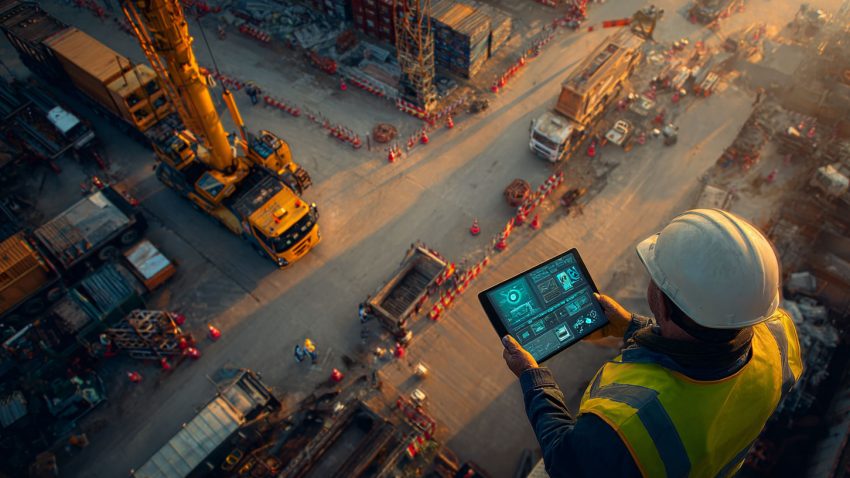
One of the biggest drains on productivity is equipment that cannot be found when crews need it. Time spent searching for tools or waiting for machinery creates hidden delays that add up quickly across a project. Smart tracking software eliminates this problem by showing the exact location of every tagged asset in real time.
Using GPS, barcode scanning, or IoT devices, the system updates each movement automatically. Superintendents can open a mobile dashboard and see instantly where equipment is parked, which crew is using it, and whether it is available. This allows field teams to plan their work efficiently instead of wasting time tracking down missing assets.
Real-time tracking also reduces downtime by helping crews share equipment effectively. If a machine is sitting idle on one area of the site, the system highlights it so the superintendent can reassign it to another crew. This prevents bottlenecks and ensures that every tool and machine contributes to progress.
Top Benefits
- Eliminates time lost searching for tools and machinery
- Improves equipment circulation and reduces idle hours
- Ensures every asset is available when crews need it most
Best Practices
- Tag all tools and machinery with scannable or GPS-enabled devices
- Encourage foremen to check equipment status before each shift
- Review real-time dashboards during daily coordination meetings
Q&A Mini Section
Q: How does real-time tracking improve daily workflow?
A: It ensures crews always know where equipment is, reducing downtime and miscommunication.
Q: Can multiple teams access tracking data simultaneously?
A: Yes. Cloud-based platforms allow all crews and supervisors to view updated information instantly.
Q: Does real-time tracking work across multiple job sites?
A: Absolutely. Superintendents can monitor equipment across all active locations in one dashboard.
Real-time tracking gives superintendents complete visibility and helps crews stay productive with fewer interruptions.
Smart Maintenance Alerts Prevent Breakdowns and Reduce Safety Risks
Equipment failure is one of the biggest safety risks on a construction site. When machinery is used beyond its recommended limits or serviced inconsistently, the chances of accidents increase significantly. Smart equipment tracking software helps prevent this by monitoring key performance indicators and sending alerts before something goes wrong.
These systems use sensor data and automated logs to track run hours, fuel usage, vibration levels, and inspection history. When a machine needs maintenance or shows signs of wear, the software notifies the superintendent immediately. This allows teams to schedule servicing during slower periods instead of dealing with sudden breakdowns that disrupt schedules and create dangerous conditions.
Preventive maintenance not only protects workers but also keeps projects on track by ensuring equipment is always operating safely and efficiently. This reduces costs associated with emergency repairs and extends the lifespan of expensive assets.
Top Benefits
- Identifies safety hazards early through automated performance monitoring
- Prevents mechanical failures that can cause injuries or delays
- Improves reliability and extends the life of heavy machinery
Best Practices
- Configure automated maintenance alerts for high-use equipment
- Review inspection logs daily to confirm safety compliance
- Train operators to report unusual equipment behavior immediately
Q&A Mini Section
Q: How does smart tracking software detect safety issues?
A: It monitors equipment performance in real time and flags data irregularities that indicate risks.
Q: Does automated maintenance reduce downtime?
A: Yes. Service can be scheduled before breakdowns occur, preventing work stoppages.
Q: Can safety inspections be logged digitally?
A: Most modern systems allow operators to capture photos and complete digital inspection forms.
Smart maintenance monitoring helps superintendents create safer worksites while keeping projects moving smoothly.
Equipment Usage Analytics Improve Planning and Crew Productivity
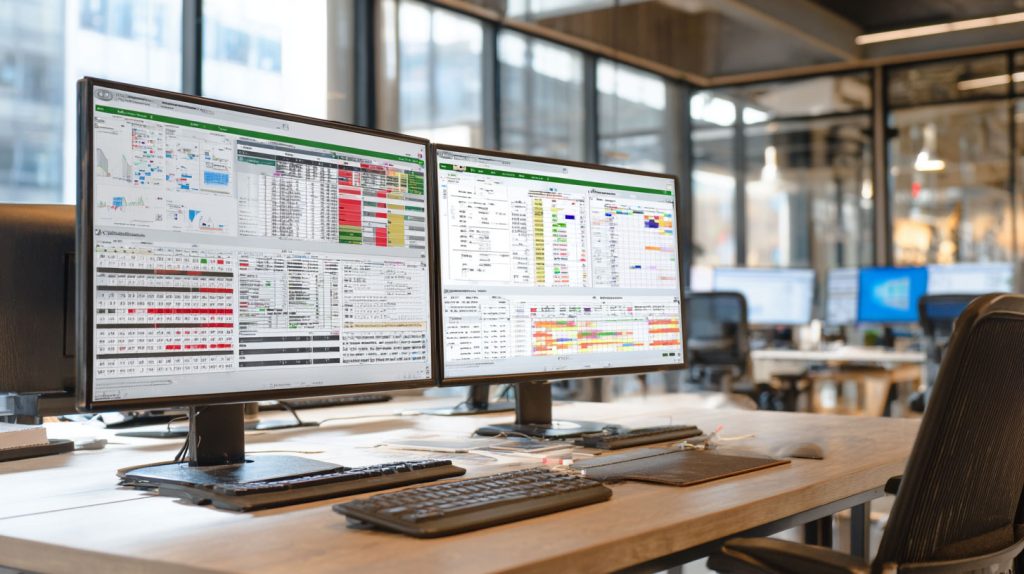
Understanding how equipment is used is one of the most powerful ways superintendents can improve productivity. Smart tracking software analyzes performance data and usage patterns to reveal which machines are overworked, which ones sit idle, and which could be reassigned to speed up progress.
These analytics help superintendents plan resource allocation more accurately. If a project phase consistently requires more equipment than expected, the data will show it. If a machine spends too much time idle, leaders can decide whether to relocate it or adjust scheduling. Data also helps forecast future needs, reducing unnecessary rental costs and ensuring the right equipment is available at the right time.
By turning raw usage data into actionable insights, smart tracking software helps superintendents make decisions that directly improve productivity across the entire jobsite.
Top Benefits
- Highlights inefficiencies and identifies productivity opportunities
- Guides better resource allocation across crews and work zones
- Reduces rental costs through smarter utilization planning
Best Practices
- Review daily usage charts to identify bottlenecks early
- Reassign underused equipment to high-demand areas
- Use performance data during weekly planning and forecasting
Q&A Mini Section
Q: How do analytics help improve productivity?
A: They reveal patterns in equipment usage, making it easier to optimize allocation and scheduling.
Q: Can analytics reduce equipment rental costs?
A: Yes. They show when assets are being underused, helping teams avoid unnecessary rentals.
Q: Are analytics valuable on smaller projects?
A: Absolutely. Even small teams benefit from visibility into usage and performance.
Analytics turn equipment tracking into a measurable productivity tool, helping superintendents deliver projects faster and more efficiently.
safety, then StruxHub is the solution for you. Trusted by top contractors and used on a wide range of construction projects, StruxHub Deliveries can help you take your construction business to the next level.

Automation Helps Superintendents Streamline Daily Operations
Automation is becoming one of the most important advantages of smart equipment tracking software. Instead of relying on manual check-in logs, handwritten notes, or end-of-day reports, automated systems update equipment status the moment something changes. When machinery is moved, inspected, or assigned to a crew, the system updates instantly and records the activity without any additional effort from the superintendent or field teams.
This automation helps eliminate the small delays and communication gaps that often slow down jobsite operations. It also creates a consistent digital trail that shows who last used a piece of equipment, where it was moved, and whether it needs servicing. These automated logs help superintendents avoid misunderstandings and prevent equipment from going missing or sitting idle.
By reducing administrative work, automation frees up time for superintendents to focus on coordination, leadership, and productivity. It helps the entire team work more efficiently and ensures that schedules stay accurate as equipment activity changes in real time.
Top Benefits
- Removes repetitive manual tasks from daily equipment tracking
- Ensures accurate, real-time updates without human input
- Keeps schedules aligned by auto-syncing equipment availability
Best Practices
- Activate automation for maintenance reminders and assignment logs
- Sync all equipment activity with scheduling tools
- Audit automated logs weekly to confirm accuracy and compliance
Q&A Mini Section
Q: How does automation support daily field coordination?
A: It updates equipment availability instantly, reducing downtime and confusion.
Q: Can automation support hundreds of assets at once?
A: Yes. Most systems can manage large equipment inventories across multiple sites.
Q: Does automation require additional staffing?
A: No. It runs quietly in the background and reduces administrative burden.
Automation gives superintendents the ability to manage complex jobsite activity without being slowed down by paperwork or constant data entry.
StruxHub
Experience the power of StruxHub today and witness firsthand how it can revolutionize your construction operations.
Communication Tools Bring Total Visibility Across Field, Office, and Suppliers
Construction projects rely on fast, accurate communication. When equipment is moved, serviced, damaged, or delayed, every minute of confusion affects productivity and safety. Smart equipment tracking platforms now include communication tools that centralize updates and keep everyone connected through one shared system.
Instead of scattered texts and emails, each equipment update is logged within the tracking platform. Field operators can upload photos, tag superintendents, and document issues immediately. The system automatically notifies maintenance teams, project managers, and schedulers when something needs attention. This ensures that information reaches every relevant person at the right time.
Centralizing communication also improves accountability. Because all updates are timestamped and saved, superintendents have a clear digital history of each action. This helps with safety audits, dispute resolution, and documentation for regulators or owners.
Top Benefits
- Creates a central hub for all equipment-related updates
- Improves accountability with timestamped communication logs
- Speeds up response times for repairs and equipment assignments
Best Practices
- Require crews to log issues using in-platform comments and photos
- Tag relevant roles or teams to streamline information flow
- Use communication logs to verify completion of maintenance tasks
Q&A Mini Section
Q: How does centralized communication reduce delays?
A: It ensures that updates reach everyone instantly, reducing confusion or duplicated requests.
Q: Can suppliers participate in the same system?
A: Yes. Many platforms offer controlled access for suppliers to share delivery updates.
Q: Does this improve jobsite safety?
A: Absolutely. Safety issues are identified and communicated faster, reducing risk.
Communication tools bring clarity and speed to jobsite coordination, ensuring that equipment never becomes a source of confusion or downtime.
AI Forecasting Helps Teams Anticipate Equipment Needs and Avoid Delays
Construction schedules often run into problems when equipment is overbooked, underused, or unexpectedly offline. AI forecasting solves these challenges by analyzing historical usage patterns, maintenance records, and project timelines to predict when equipment will be needed, when it should be serviced, and where bottlenecks might occur.
Instead of responding to problems after they happen, AI forecasting lets superintendents anticipate them. For example, if a specific machine tends to require servicing after a certain number of hours, AI will alert the team beforehand. If a project phase typically requires more equipment than expected, the system can warn superintendents weeks in advance.
AI forecasting improves budgeting and scheduling by reducing surprises and preventing waste. It helps construction leaders work with precision and ensures equipment is ready exactly when crews need it.
Top Benefits
- Predicts equipment shortages, maintenance needs, and usage spikes
- Helps teams allocate resources more strategically
- Reduces downtime and improves schedule reliability
Best Practices
- Review AI insights during weekly progress and planning meetings
- Compare forecasted needs with actual field usage to improve accuracy
- Use predictions to coordinate rentals or inter-site equipment transfers
Q&A Mini Section
Q: How accurate is AI forecasting?
A: Accuracy improves over time as the system gathers more project data.
Q: Can AI help prevent cost overruns?
A: Yes. By reducing emergency rentals and avoiding unnecessary purchases.
Q: Does AI forecasting help small projects too?
A: Absolutely. It helps even small teams avoid scheduling conflicts and delays.
AI forecasting turns equipment tracking into a forward-looking strategy that prevents delays instead of simply reacting to them.
StruxHub: Revolutionizing Project Management in Large Commercial Construction
How StruxHub Helps Superintendents Improve Productivity and Safety in Real Time
StruxHub brings all the benefits of modern equipment tracking into one connected platform designed specifically for superintendents and field managers. With real-time tracking, automation, AI forecasting, and integrated communication tools, StruxHub gives construction leaders the visibility they need to keep projects productive and safe.
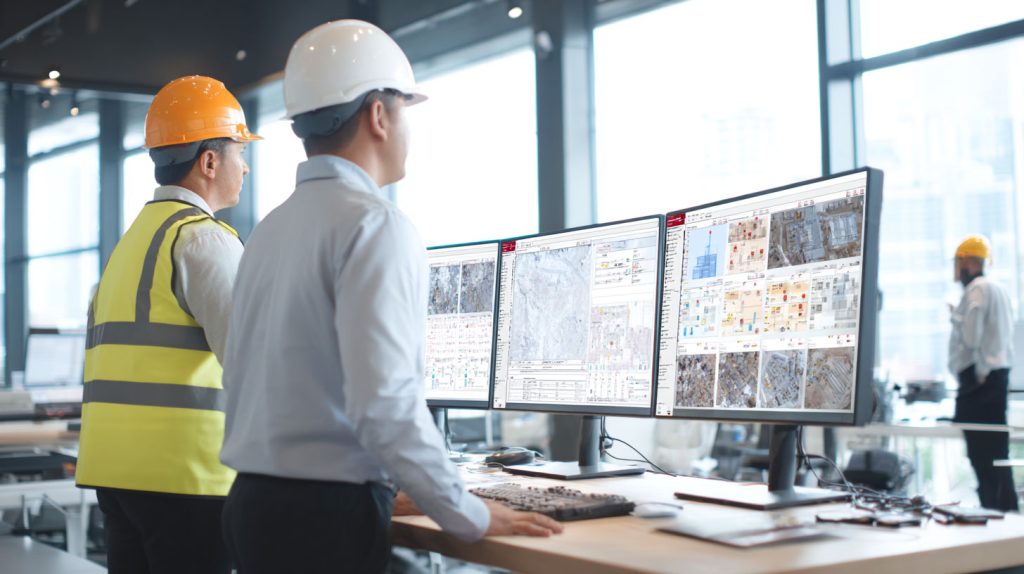
Superintendents can monitor equipment usage, condition, and location through live dashboards that update automatically as teams scan or move assets. Predictive alerts notify them when maintenance is needed, preventing downtime and safety risks. Automated activity logs keep everyone accountable, while in-platform communication keeps all project teams aligned.
StruxHub also integrates equipment data into schedules, procurement plans, and daily reports. This creates a seamless operational workflow where every piece of equipment is tracked, maintained, and documented without manual effort.
Top Benefits
- Combines tracking, maintenance alerts, and scheduling insights in one system
- Reduces safety risks through predictive maintenance and digital inspections
- Boosts productivity with real-time visibility and automated updates
Best Practices
- Use StruxHub’s predictive tools to address issues before they impact progress
- Sync equipment tracking with the project schedule for accurate availability
- Encourage crews to document every inspection or issue using mobile tools
Q&A Mini Section
Q: How does StruxHub improve jobsite productivity?
A: It eliminates delays caused by missing, idle, or unsafe equipment.
Q: Does StruxHub integrate with existing project software?
A: Yes. It connects with scheduling, procurement, and safety platforms for unified operations.
Q: What makes StruxHub ideal for superintendents?
A: It provides complete, real-time control of equipment without adding administrative workload.
StruxHub helps construction teams work smarter and safer with tools that deliver clarity, predictability, and real-time control.
FAQ: Smart Equipment Tracking Software for Productivity and Safety
1. How does smart equipment tracking software help superintendents keep projects productive?
Smart tracking software gives superintendents full visibility over every piece of equipment on the jobsite. Instead of relying on calls, texts, or guesswork, they can see real-time locations, usage status, and availability instantly. This prevents crews from wasting time searching for missing assets or waiting for machinery to free up. Automated updates ensure that as soon as equipment is moved or assigned, the system records it and notifies the right team. By improving coordination and reducing idle time, tracking software helps superintendents keep work flowing smoothly and avoid schedule interruptions. It also allows leaders to redistribute underused assets where they are most needed, further boosting jobsite productivity.
2. How does real-time maintenance monitoring reduce safety risks on construction sites?
Mechanical issues are one of the most common sources of jobsite injuries. Real-time maintenance monitoring helps prevent these incidents by tracking performance metrics such as run hours, temperature, vibration, and fuel usage. When something appears off, the system automatically alerts superintendents before the issue becomes dangerous. Digital forms allow teams to complete safety inspections and log concerns immediately, creating a continuous feedback loop between operators and leadership. By catching risks early, the software reduces the likelihood of sudden breakdowns, equipment failures, and unsafe conditions that could endanger workers or cause schedule disruptions.
StruxHub
Discover how StruxHub can revolutionize your construction management. Contact us today!
3. Can tracking software help manage both small tools and heavy machinery?
Yes. Modern tracking solutions are designed to handle every category of jobsite equipment. Smaller tools can be tracked with barcodes or Bluetooth tags, while larger equipment uses GPS or IoT sensors for continuous monitoring. This gives superintendents a complete picture of asset movement, availability, and utilization. Tracking both small and large assets prevents tool loss, improves accountability, and provides accurate data for planning, procurement, and scheduling. Whether managing handheld drills or excavators, the same platform can handle all updates in real time.
4. How do communication features inside tracking platforms improve collaboration?
Communication tools built into tracking platforms centralize updates and keep everyone aligned. Field crews can upload photos, report damage, and log equipment changes directly from their mobile devices. These updates instantly notify superintendents, mechanics, and project managers, eliminating delays caused by missing or outdated information. Digital communication also creates a complete record of every update, repair, or inspection, which improves accountability and simplifies audits. By keeping all conversations tied to equipment activity, teams reduce confusion, avoid duplicated work, and maintain a clear understanding of equipment status throughout the project.
5. How does StruxHub help superintendents manage equipment more efficiently and safely?
StruxHub combines tracking, automation, predictive analytics, and communication tools into one unified platform. Superintendents can view live dashboards showing equipment locations, assignment history, inspection results, and maintenance needs. The system automatically generates alerts for overdue service or abnormal performance, helping prevent downtime and reduce safety risks. StruxHub’s mobile tools allow crews to scan, document, and report updates instantly, ensuring accurate information across all teams. With integration into scheduling and reporting workflows, StruxHub keeps equipment data connected to overall project performance, helping leadership avoid delays and maintain safe, productive jobsites.