Top 6 Construction Inventory Management Software Features Every Superintendent Should Know
Table of Contents:
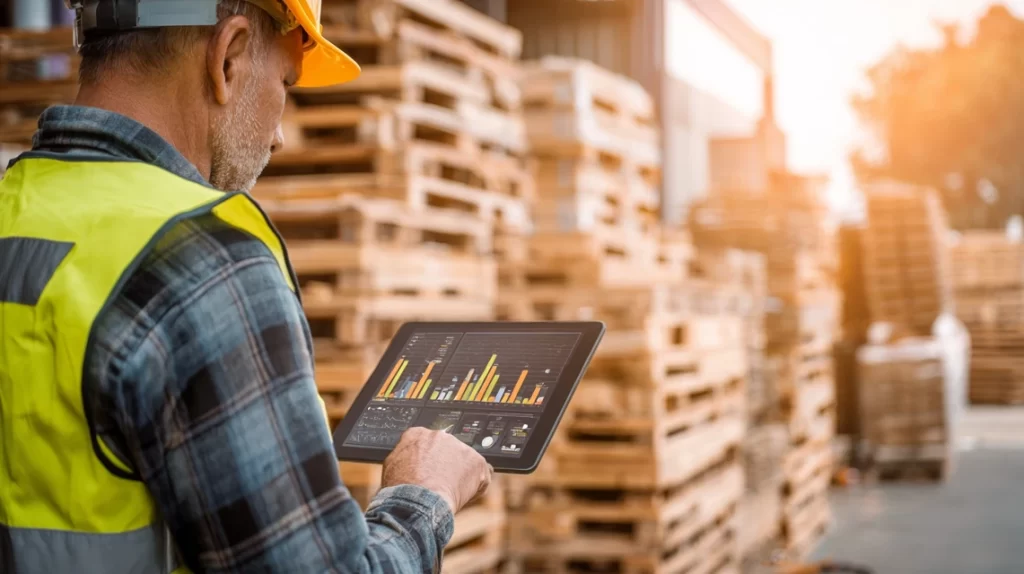
In the world of construction, materials are the fuel that keeps projects moving. When deliveries are late, quantities are off, or items go missing, entire crews can be left waiting — costing time and money. That’s why modern superintendents are relying on construction inventory management software to take control of every shipment, storage area, and supply chain update in real time.
But with dozens of platforms on the market, how do you know which features actually make a difference in the field? The best tools go far beyond simple spreadsheets or stock lists — they automate updates, connect to supplier systems, and integrate seamlessly with scheduling and reporting workflows. For superintendents managing complex projects, these capabilities are no longer optional; they’re essential for staying efficient, accurate, and audit-ready.
In this article, we’ll break down the six most important construction inventory management software features every superintendent should understand — and how each one helps keep materials, teams, and projects on schedule.
1. Real-Time Material Tracking and Delivery Updates
The most valuable feature in any construction inventory system is real-time visibility. Superintendents can’t afford to rely on yesterday’s data — they need to know what’s arriving, what’s delayed, and what’s already on site. Real-time tracking uses cloud connectivity, mobile scanning, and supplier integrations to ensure inventory data updates instantly as deliveries are received or moved.
With this feature, every material change — whether a shipment is delayed or offloaded — is reflected immediately in the system. Dashboards display live delivery status, allowing superintendents to adjust schedules or reassign crews on the fly. No more guessing when materials will arrive or searching for misplaced pallets.
Top Benefits
- Provides live updates on material location, quantity, and status
- Prevents downtime by identifying missing or late shipments early
- Keeps schedules accurate with immediate data synchronization
Best Practices
- Set up automatic delivery alerts for high-priority materials
- Connect supplier portals to enable live tracking data
- Use mobile scanning tools to confirm delivery times in the field
Q&A Mini Section
Q: How does real-time tracking prevent schedule delays?
A: It ensures superintendents know about delivery issues immediately, allowing rapid adjustments.
Q: Do suppliers need to use the same software?
A: Not necessarily — integrations or shared access portals can link external vendor systems.
Q: Can tracking cover multiple job sites?
A: Yes — most platforms support multi-project dashboards for enterprise-level visibility.
Real-time tracking turns material management into a proactive, data-driven process that keeps projects flowing smoothly.
2. Mobile Scanning and Field Inventory Control
Paper logs and handwritten counts are relics of the past. Mobile scanning tools — often using barcodes, QR codes, or RFID tags — make inventory tracking faster, more accurate, and easier for field teams. With just a smartphone or tablet, crews can scan materials as they arrive, verify quantities, and log locations without paperwork or delay.
This feature empowers superintendents to confirm what’s on site at any moment, even across multiple staging areas. It also reduces data entry errors and ensures instant synchronization with the main inventory system. Whether managing tools, equipment, or consumables, mobile scanning keeps everything transparent and accessible.
Top Benefits
- Replaces manual entry with instant, accurate mobile updates
- Syncs field scans with centralized inventory databases
- Improves accountability for materials and equipment in use
Best Practices
- Assign QR or RFID tags to high-value items for easy tracking
- Train crews to scan materials immediately upon delivery
- Schedule periodic mobile audits to verify on-site inventory levels
Q&A Mini Section
Q: Do mobile tools work offline?
A: Yes — most apps store scans locally and sync automatically when back online.
Q: Can mobile apps track tools as well as materials?
A: Absolutely — many systems include equipment and consumable tracking.
Q: How does mobile scanning improve crew accountability?
A: Each scan is timestamped and linked to the user who performed it.
Mobile inventory management gives superintendents live, hands-on control over every material on site — even when they’re on the move.

3. Automated Reorder Alerts and Stock Level Monitoring
Running out of materials can bring a jobsite to a standstill. Automated reorder alerts prevent this by monitoring stock levels and notifying users when quantities fall below a defined threshold. These alerts ensure that materials are restocked before shortages occur, minimizing downtime and emergency orders.
When connected to supplier databases, the software can even generate purchase requests or reorders automatically. Superintendents can set different reorder points for various materials, depending on usage frequency or lead times. This automation keeps material flow steady without the need for constant manual checks.
Top Benefits
- Prevents material shortages and project delays
- Reduces waste from overordering or mismanaged restocks
- Saves time through automatic replenishment notifications
Best Practices
- Set reorder thresholds based on actual consumption rates
- Review reorder logs weekly to confirm supply consistency
- Automate supplier notifications for commonly used materials
Q&A Mini Section
Q: Can reorder alerts adjust automatically?
A: Yes — AI-enhanced systems adapt reorder points based on historical usage data.
Q: Are alerts limited to emails?
A: No — they can trigger app notifications, SMS, or integrated workflow tasks.
Q: Does this work for consumables like fasteners or adhesives?
A: Absolutely — automated alerts are ideal for frequently used supplies.
Automated alerts ensure that materials are never an afterthought — they’re managed precisely, predictively, and without panic orders.
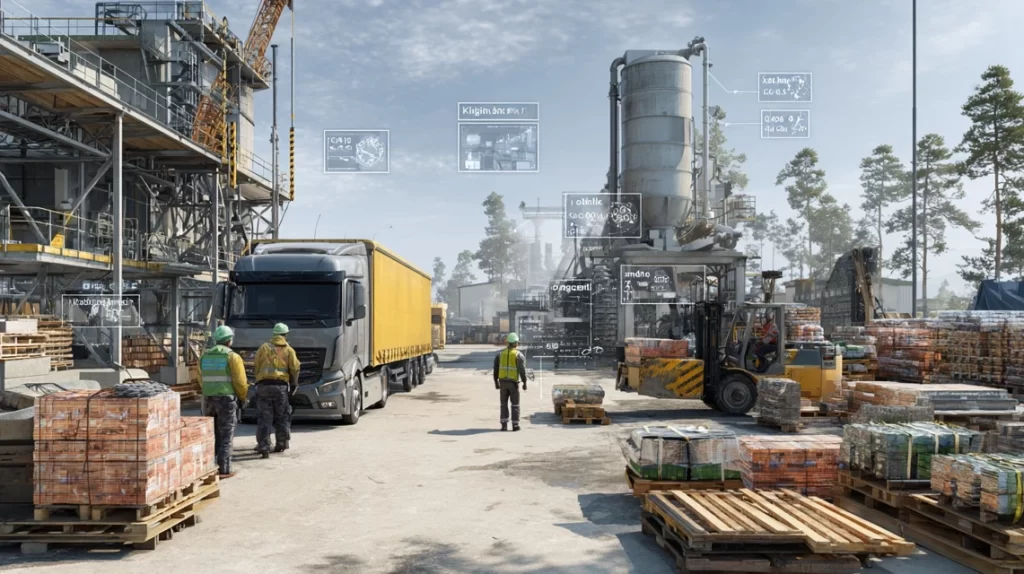
4. AI Forecasting and Predictive Inventory Analytics
AI-powered forecasting takes inventory management to the next level. By analyzing patterns from past projects and current consumption rates, AI predicts future material needs and identifies trends that could impact supply chains. For example, it can detect seasonal demand spikes, supplier performance issues, or usage inefficiencies before they cause problems.
This feature gives superintendents data-driven insight to plan ahead — reducing waste, preventing overstocking, and ensuring critical materials are available when needed. Predictive analytics also help procurement teams negotiate better supplier terms by providing accurate demand projections based on real usage patterns.
Top Benefits
- Predicts material needs using real-time and historical data
- Improves resource planning and procurement accuracy
- Identifies inefficiencies to prevent shortages and excess stock
Best Practices
- Analyze forecast reports before each project phase
- Use AI data to adjust supplier delivery schedules
- Compare predicted versus actual material usage to refine forecasts
Q&A Mini Section
Q: How reliable is AI forecasting in construction?
A: It improves with every project by continuously learning from performance data.
Q: Can predictive analytics account for schedule changes?
A: Yes — it recalculates projections automatically as timelines shift.
Q: Does this feature require large datasets?
A: More data improves accuracy, but most systems perform well even with limited history.
AI forecasting gives superintendents the power to anticipate — not just react — ensuring every material is in the right place at the right time.

StruxHub
Experience the power of StruxHub today and witness firsthand how it can revolutionize your construction operations.
5. Cloud-Based Dashboards and Multi-Project Visibility
In multi-site construction operations, visibility is everything. Cloud-based dashboards allow superintendents and project managers to monitor all projects simultaneously from one interface. Every delivery, material movement, and usage update syncs automatically to the cloud, providing a real-time, company-wide snapshot of inventory health.
These dashboards often include visual KPIs, charts, and customizable reports that make it easy to compare projects or identify bottlenecks. Cloud access ensures teams can collaborate securely from anywhere, whether in the field or at headquarters. With no need for local files or manual uploads, everyone always sees the same, most current data.
Top Benefits
- Provides centralized visibility across multiple projects
- Improves collaboration and reporting for large teams
- Ensures data accuracy through automatic cloud synchronization
Best Practices
- Set dashboard filters to track specific trades or job phases
- Share read-only dashboard access with owners for transparency
- Review cross-project trends monthly to identify systemic issues
Q&A Mini Section
Q: How secure is cloud-based data storage?
A: Most providers use encrypted, enterprise-grade security to protect all project data.
Q: Can dashboards be customized per user role?
A: Yes — permissions and data views can be tailored by responsibility level.
Q: How often is cloud data updated?
A: Instantly — changes made in the field reflect across the platform in real time.
Cloud-based dashboards ensure that every stakeholder — from site teams to executives — has the same clear, current view of materials and progress.
StruxHub
Discover how StruxHub can revolutionize your construction management. Contact us today!
6. Integration With Scheduling, Reporting, and Procurement Systems
The true power of inventory software lies in integration. When connected to scheduling and procurement platforms, material data becomes part of the larger project ecosystem. If a task changes or a milestone shifts, the software automatically adjusts related material needs and delivery dates. Similarly, completed deliveries can populate daily reports without extra input.
Integration ensures that no information gets siloed. Field teams, office staff, and suppliers all work from the same synchronized database. This interconnected approach reduces redundancy, improves collaboration, and simplifies compliance reporting for both contractors and owners.
Top Benefits
- Links inventory data directly to project schedules and reports
- Eliminates duplicate entries and manual coordination
- Streamlines communication between field, office, and suppliers
Best Practices
- Integrate inventory tools with scheduling and procurement software from the start
- Automate report generation using linked delivery and usage data
- Use integration logs to monitor data flow between systems
Q&A Mini Section
Q: Do integrations require specialized IT support?
A: Most systems use simple APIs or plug-ins that require minimal setup.
Q: Can integrations update schedules automatically?
A: Yes — connected systems can adjust delivery dates or dependencies in real time.
Q: How do integrations help with audits?
A: They provide unified, timestamped data for easy traceability and verification.
Integration turns inventory management into a connected, intelligent process — ensuring that materials, schedules, and reporting always work together seamlessly.

StruxHub: Revolutionizing Project Management in Large Commercial Construction
How StruxHub Helps Superintendents Master Construction Inventory Management
StruxHub simplifies construction inventory management by bringing every tool and update into one real-time platform. Designed specifically for superintendents, StruxHub connects material tracking, delivery coordination, and schedule management into a single cloud-based dashboard accessible from the field or the office. Every delivery, usage update, and reorder alert is automatically synced, eliminating manual data entry and the delays caused by disconnected systems.
Superintendents can use StruxHub’s mobile app to scan barcodes, verify deliveries, and upload photos directly from the jobsite. The system logs each entry with timestamps and user tags, ensuring full accountability and accuracy. Its AI-driven analytics forecast future material needs and detect inefficiencies before they impact timelines. When paired with StruxHub’s scheduling and daily reporting modules, the platform becomes a complete construction operations command center — helping teams stay efficient, transparent, and ahead of every project milestone.
Top Benefits
- Centralized real-time inventory tracking integrated with scheduling and reporting
- Mobile scanning and automated delivery updates for field convenience
- AI analytics that forecast needs and prevent material shortages
Best Practices
- Connect StruxHub’s inventory module with supplier databases for live tracking
- Use automation to generate restock alerts and delivery confirmations
- Review predictive dashboards weekly to anticipate material and labor needs
Q&A Mini Section
Q: How does StruxHub improve jobsite visibility for superintendents?
A: By showing live inventory levels, delivery statuses, and upcoming needs on one connected dashboard.
Q: Can StruxHub integrate with third-party procurement tools?
A: Yes — it syncs seamlessly with leading supply and logistics systems for unified data flow.
Q: How does AI forecasting benefit daily operations?
A: It predicts when materials will run low and recommends optimal reorder timing to prevent delays.
StruxHub transforms material management into a proactive, data-driven process — giving superintendents total control over deliveries, schedules, and site logistics in real time.
FAQ: Construction Inventory Management Software Features
1. Why should superintendents use construction inventory management software instead of spreadsheets?
Spreadsheets can’t provide the real-time visibility needed to manage modern construction projects. They rely on manual updates, making them prone to version errors and outdated information. Inventory management software centralizes material data, automates updates, and provides live dashboards that sync across all users. Superintendents can track materials, verify deliveries, and forecast shortages instantly from any device. Automation also reduces administrative burden, freeing teams to focus on execution rather than data entry. In short, software eliminates guesswork, increases accuracy, and ensures projects stay on schedule with fewer surprises.
2. How does real-time tracking help prevent project delays?
Real-time tracking ensures that superintendents know exactly what materials are available, where they’re located, and when new shipments will arrive. When materials are delayed or misplaced, the software sends automatic alerts so schedules can be adjusted immediately. Integrating tracking with scheduling tools also ensures that work sequences stay realistic and accurate. This live visibility eliminates the need for constant phone calls or manual updates, keeping every trade informed and reducing the risk of downtime caused by missing materials or unclear logistics.
3. Can inventory management software integrate with other construction systems?
Yes — most modern solutions are designed to integrate seamlessly with scheduling, procurement, and reporting platforms. These integrations synchronize material data across the entire project ecosystem. For example, when a delivery is confirmed, that data can automatically update the schedule and daily report. This connectivity reduces redundancy, improves collaboration between office and field teams, and ensures that everyone — from superintendents to owners — works from the same source of truth. StruxHub’s integrations make this process effortless, connecting material tracking directly with daily operations.
4. What role does AI play in construction inventory management?
AI adds predictive intelligence to inventory control. It analyzes material usage patterns, supplier performance, and schedule data to forecast future needs and identify risks early. For example, AI can warn superintendents if current usage trends suggest a shortage before the next delivery. It can also detect overordering or inefficiencies that increase costs. By combining AI forecasting with automation, teams move from reactive inventory management to proactive planning — reducing waste, improving cash flow, and keeping materials aligned with project demand.
5. How does StruxHub stand out as an inventory management solution?
StruxHub was built specifically for superintendents managing complex construction environments. Its all-in-one system combines inventory tracking, scheduling, deliveries, and reporting in a single platform. Real-time dashboards show material flow and supplier performance, while AI-driven analytics anticipate shortages and delays. The platform’s mobile tools let crews verify deliveries and upload photos directly from the field, ensuring instant, accurate data. With automation handling reporting and restock alerts, StruxHub eliminates manual effort and reduces coordination errors. It’s more than software — it’s a complete operational ecosystem for keeping projects efficient, compliant, and on schedule.