Top 6 Reasons Superintendents Are Switching to Equipment Tracking Software Instead of Spreadsheets and Paper Logs
Table of Contents:
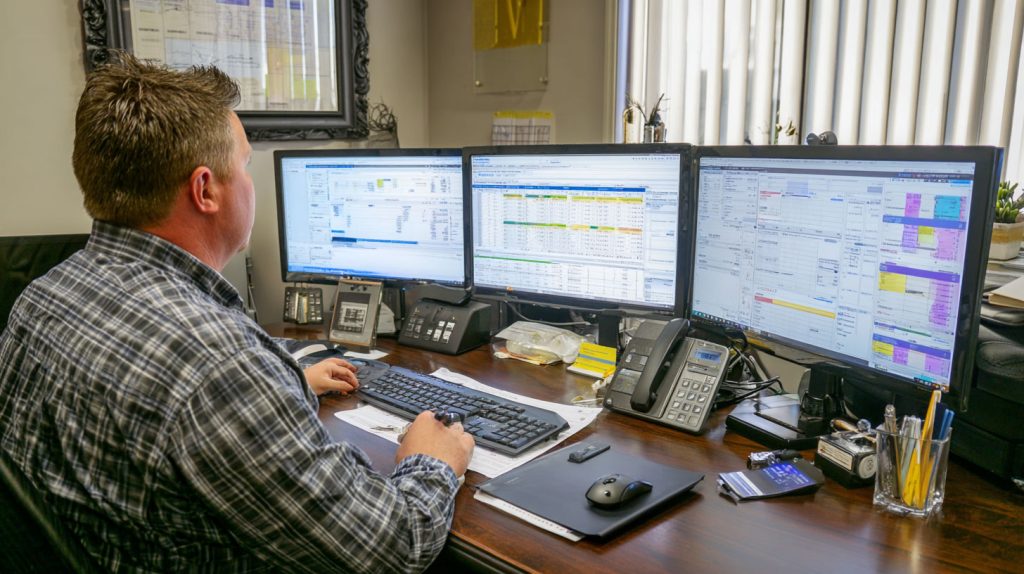
For years, spreadsheets and paper logs were considered “good enough” for tracking construction equipment. Foremen wrote down serial numbers, superintendents updated Excel files at the end of the day, and paper sign-out sheets lived in job trailers. But as construction projects have become larger, faster, and more complex, those manual systems have started to break down. Equipment moves too often, crews change too quickly, and jobsite data becomes outdated almost as soon as it is written down.
Today’s superintendents are under pressure to deliver projects on schedule while managing more assets than ever before. Lost tools, idle machinery, and unclear equipment ownership no longer just cause inconvenience. They directly impact productivity, safety, and project costs. That is why more superintendents are replacing spreadsheets and paper logs with modern equipment tracking software that provides real-time visibility and automated accountability.
In this article, we will break down the top reasons superintendents are making this shift and why digital equipment tracking has become essential for running efficient, well-controlled jobsites.
Reason 1: Spreadsheets Cannot Keep Up With Real Jobsite Movement
Construction equipment does not stay in one place. Tools move between crews, machines are reassigned across zones, and assets are shared between job sites. Spreadsheets and paper logs were never designed to track this level of movement in real time. By the time a spreadsheet is updated, the equipment has often already moved again.
Equipment tracking software solves this by updating automatically as assets are scanned, moved, or assigned. Superintendents no longer rely on end-of-day updates or verbal confirmations. Instead, they can open a dashboard and see exactly where equipment is, who last used it, and whether it is available. This eliminates guesswork and reduces the daily chaos caused by outdated information.
Real-time tracking also improves decision-making. When equipment is sitting idle in one area, superintendents can reassign it immediately rather than ordering or renting additional machines unnecessarily.
Top Benefits
- Eliminates outdated information caused by delayed spreadsheet updates
- Provides real-time visibility into equipment location and availability
- Reduces unnecessary rentals and duplicate purchases
Best Practices
- Require all equipment movement to be logged through mobile scanning
- Replace end-of-day spreadsheet updates with live dashboards
- Review equipment status each morning before assigning crews
Q&A Mini Section
Q: Why do spreadsheets fail on active jobsites?
A: They rely on delayed manual updates and cannot reflect constant equipment movement.
Q: Does tracking software update instantly?
A: Yes. Changes appear in real time as soon as equipment is scanned or moved.
Q: Can this help reduce equipment shortages?
A: Absolutely. Visibility helps superintendents reallocate assets before shortages occur.
When equipment data stays live, superintendents gain control instead of reacting to problems after they happen.
Reason 2: Paper Logs Create Gaps in Accountability
Paper sign-out sheets depend entirely on human discipline. Crews forget to write things down, handwriting becomes unclear, and sheets go missing or get damaged. When equipment disappears, paper logs rarely provide clear answers about who used it last or where it went. This lack of accountability leads to frustration, finger-pointing, and repeated losses.
Equipment tracking software replaces paper logs with digital records that cannot be ignored or misplaced. Every check-in, check-out, and transfer is timestamped and linked to a specific user or crew. Superintendents can quickly see a complete history of each asset without digging through binders or asking around the site.
This digital accountability changes behavior. When crews know equipment usage is tracked automatically, tools are returned more consistently and handled more responsibly. Over time, this reduces loss, improves trust between teams, and keeps projects running smoothly.
Top Benefits
- Creates a clear digital trail for every piece of equipment
- Eliminates missing or illegible paper records
- Reduces disputes between crews over missing tools
Best Practices
- Require digital check-in and check-out for all shared equipment
- Assign role-based access so crews only log what they use
- Review usage history weekly to identify recurring issues
Q&A Mini Section
Q: Are paper logs still useful for small jobs?
A: Even small jobs benefit from digital accountability because equipment moves frequently.
Q: Does digital logging slow crews down?
A: No. Scanning takes seconds and saves far more time later.
Q: Can superintendents see historical usage easily?
A: Yes. Full histories are searchable and available instantly.
Digital accountability replaces uncertainty with clarity and keeps equipment exactly where it should be.
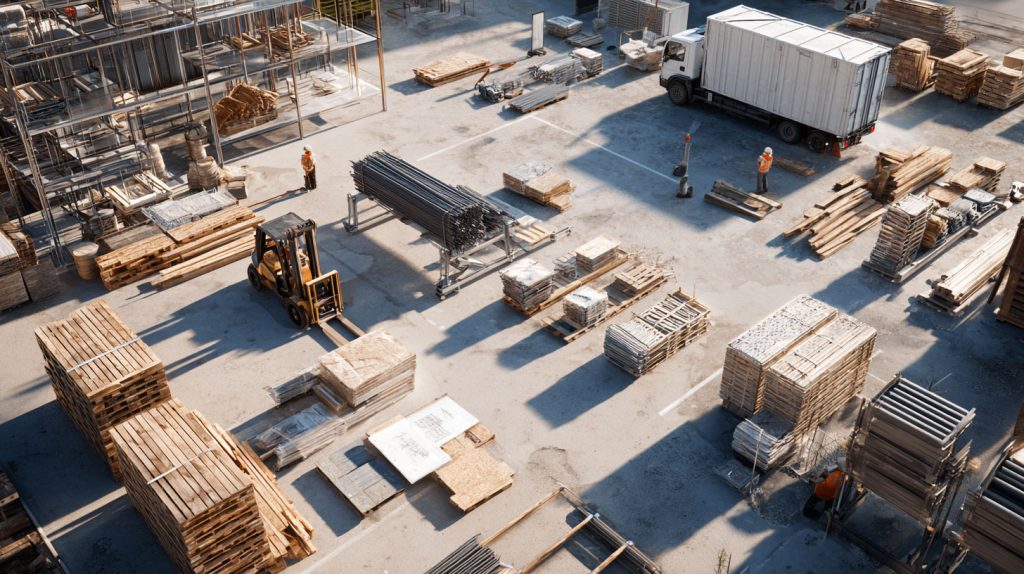
Reason 3: Manual Tracking Wastes Time That Superintendents Do Not Have
Superintendents already manage schedules, crews, safety, inspections, and coordination with multiple stakeholders. Manually tracking equipment adds another layer of administrative work that pulls attention away from leadership. Updating spreadsheets, reconciling logs, and searching for missing tools can easily consume hours each week.
Equipment tracking software automates these tasks. When equipment is moved, returned, or serviced, the system records it automatically. Reports generate themselves. Alerts notify superintendents if something is missing or overdue. Instead of chasing updates, superintendents can focus on managing the field and keeping work moving.
This time savings is one of the biggest reasons superintendents switch to digital tracking. Fewer distractions mean better oversight, faster decisions, and more productive crews.
Top Benefits
- Eliminates hours of manual data entry each week
- Reduces interruptions caused by searching for equipment
- Allows superintendents to focus on field leadership
Best Practices
- Enable automated alerts for missing or overdue equipment
- Use system-generated reports instead of manual spreadsheets
- Review dashboards briefly each day rather than compiling logs
Q&A Mini Section
Q: How much time can tracking software save?
A: Many superintendents save three to six hours per week.
Q: Does automation reduce errors?
A: Yes. Automated logs eliminate mistakes caused by manual entry.
Q: Can this improve overall jobsite productivity?
A: Absolutely. Less admin work means more time spent leading crews.
When superintendents reclaim their time, the entire jobsite runs more efficiently.

Reason 4: Spreadsheets and Paper Logs Do Not Help Prevent Theft
Equipment theft has become a serious problem on many construction sites, especially as tools and machines increase in value and resale markets grow. Spreadsheets and paper logs offer no real protection against theft. They only document losses after the fact, and often too late to recover anything. When equipment goes missing overnight or after a shift change, paper records rarely provide enough detail to act quickly.
Equipment tracking software helps superintendents prevent theft instead of reacting to it. Real-time location tracking shows exactly where equipment is at all times. Geofencing alerts notify leadership immediately if equipment leaves a designated area or is moved after hours. Movement history shows when and where an asset was last seen, which is critical for quick response and recovery.
This visibility changes behavior on the jobsite. When crews know equipment is tracked automatically, unauthorized use and careless handling drop significantly. Superintendents gain confidence that valuable assets are protected, even when they are not physically present on site.
Top Benefits
- Detects unauthorized movement in real time
- Improves recovery chances for stolen equipment
- Reduces theft through visible accountability
Best Practices
- Enable geofencing for storage yards and staging areas
- Set after-hours movement alerts for high-value assets
- Review movement logs weekly to identify unusual patterns
Q&A Mini Section
Q: Can tracking software really deter theft?
A: Yes. Real-time monitoring and alerts significantly reduce both internal and external theft.
Q: Does this work for smaller tools as well?
A: Yes. Bluetooth and QR tracking work well for handheld equipment.
Q: How fast are theft alerts sent?
A: Immediately when equipment crosses a defined boundary.
Spreadsheets record losses. Tracking software helps prevent them.

StruxHub
Experience the power of StruxHub today and witness firsthand how it can revolutionize your construction operations.
Reason 5: Manual Logs Do Not Improve Safety or Maintenance Compliance
Equipment safety depends on consistent inspections, maintenance, and usage tracking. Paper logs and spreadsheets make this difficult. Inspections are skipped, maintenance schedules are missed, and equipment may be used longer than recommended. These gaps increase the risk of breakdowns and jobsite injuries.
Equipment tracking software improves safety by tying usage data directly to maintenance schedules. When a machine reaches a usage threshold, the system automatically flags it for inspection or service. Digital inspection forms ensure that checks are completed and documented. Superintendents can verify compliance instantly instead of chasing paperwork.
This approach reduces safety risks and supports compliance with internal safety programs. It also prevents unplanned downtime by ensuring equipment is serviced before failures occur.
Top Benefits
- Improves maintenance compliance automatically
- Reduces safety risks from overused or uninspected equipment
- Provides digital records for audits and safety reviews
Best Practices
- Use automated maintenance alerts based on usage hours
- Require digital inspection checklists for all critical equipment
- Review compliance dashboards weekly
Q&A Mini Section
Q: Can tracking software reduce accidents?
A: Yes. Preventive maintenance and inspection tracking reduce equipment-related hazards.
Q: Does it replace safety inspections?
A: No. It ensures inspections are completed and documented consistently.
Q: Are digital inspection records secure?
A: Yes. They are timestamped and stored safely for review.
Safety improves when equipment condition is monitored continuously, not occasionally.
Reason 6: Data and Analytics Are Impossible With Spreadsheets
Spreadsheets only show what someone typed in. They cannot analyze patterns, detect inefficiencies, or provide insight into how equipment is actually used. Superintendents need more than lists. They need information that helps them plan and improve operations.
Equipment tracking software collects usage data automatically and turns it into actionable insights. Dashboards show which assets are overused, underused, or causing delays. Trends reveal where equipment shortages occur most often and which crews share tools effectively. Over time, this data helps superintendents make better decisions about rentals, purchases, and scheduling.
Analytics also support long-term improvement. Instead of repeating the same mistakes on every project, teams can adjust based on real performance data.
Top Benefits
- Provides real insight into equipment utilization
- Helps reduce unnecessary rentals and purchases
- Improves planning and forecasting accuracy
Best Practices
- Review utilization dashboards weekly
- Use historical data to guide future equipment planning
- Share analytics with project managers and operations teams
Q&A Mini Section
Q: Are analytics useful for small projects?
A: Yes. Even small jobs benefit from understanding equipment usage patterns.
Q: Can analytics reduce costs?
A: Absolutely. Better utilization means fewer rentals and replacements.
Q: Do superintendents need training to read dashboards?
A: No. Most dashboards are designed to be simple and visual.
Data turns equipment tracking from record-keeping into decision-making.

StruxHub: Revolutionizing Project Management in Large Commercial Construction
How StruxHub Helps Superintendents Move Beyond Spreadsheets and Paper Logs
StruxHub was built specifically to replace outdated tracking methods with real-time, automated equipment management. Instead of spreadsheets and paper logs, superintendents get a live dashboard showing equipment location, usage, condition, and accountability across all crews and job sites.
StruxHub automates check-ins, check-outs, maintenance alerts, and movement tracking. Geofencing helps prevent theft, while digital logs eliminate disputes over missing equipment. Predictive insights highlight underused assets and upcoming maintenance needs so teams can plan ahead instead of reacting late.
By integrating equipment tracking with scheduling, reporting, and communication workflows, StruxHub creates a single source of truth for jobsite operations. Superintendents spend less time tracking tools and more time leading projects effectively.
Top Benefits
- Replaces spreadsheets and paper logs completely
- Improves theft prevention, safety, and accountability
- Saves time and increases jobsite productivity
Best Practices
- Use StruxHub dashboards as the daily equipment control center
- Enable alerts for movement, maintenance, and overdue returns
- Review usage and safety data during weekly planning meetings
Q&A Mini Section
Q: How quickly can teams transition away from spreadsheets?
A: Most teams are fully operational within days, not weeks.
Q: Does StruxHub scale across multiple sites?
A: Yes. It is designed for single projects and large multi-site operations.
Q: Why is StruxHub better than manual tracking?
A: It provides real-time visibility, automation, and insight that paper cannot.
StruxHub gives superintendents the tools to eliminate chaos, protect equipment, and run smarter jobsites.
FAQ: Why Superintendents Are Replacing Spreadsheets and Paper Logs With Equipment Tracking Software
1. Why are spreadsheets no longer reliable for tracking construction equipment?
Spreadsheets depend on delayed, manual updates that quickly fall out of sync with real jobsite activity. Equipment moves constantly between crews, zones, and sites, and spreadsheets cannot reflect that movement in real time. When data is outdated, superintendents make decisions based on incomplete information, which leads to shortages, idle time, and unnecessary rentals. Equipment tracking software updates automatically as assets are scanned or moved, giving leaders a live view of availability, location, and condition without manual effort.
2. How does equipment tracking software improve accountability across crews?
Digital tracking creates a clear chain of custody for every tool and machine. Each check in, check out, transfer, and inspection is logged with timestamps and user identification. This removes ambiguity about who last used an asset or where it was taken. Accountability improves behavior across crews because equipment usage is visible and traceable. Over time, this reduces loss, improves return rates, and strengthens trust between teams.
StruxHub
Discover how StruxHub can revolutionize your construction management. Contact us today!
3. Can equipment tracking software help prevent theft and unauthorized use?
Yes. Modern platforms use geofencing, movement alerts, and real time location tracking to notify superintendents when equipment leaves designated areas or is moved after hours. These alerts allow immediate response, which improves recovery chances and deters theft altogether. Visible tracking also discourages internal misuse because crews know equipment activity is monitored continuously.
4. How does switching to tracking software save time for superintendents?
Tracking software removes hours of administrative work each week. Superintendents no longer update spreadsheets, reconcile paper logs, or search for missing tools. Automated logs, alerts, and dashboards replace manual tracking. This frees leaders to focus on scheduling, safety, coordination, and field leadership instead of equipment paperwork.
5. How does StruxHub help teams transition away from spreadsheets and paper logs?
StruxHub replaces manual tracking with a real time equipment control system. It automates check ins, check outs, movement tracking, maintenance alerts, and reporting in one platform. Mobile tools make adoption easy for field crews, while dashboards give superintendents instant visibility across all assets and sites. By integrating equipment data with schedules and reports, StruxHub becomes a single source of truth that eliminates the need for spreadsheets entirely.